
Parse and Scrape Data From Any File, Without Writing Custom Parsers
ReportMiner replaces brittle Python scripts and per-page AI fees with one data parsing platform for PDFs, DOCX, text files, Excel, EDIs, and COBOL reports.
- Parse structured, semi-structured, and unstructured data through one engine, with no library-juggling per format
- Adapt to source layout changes by editing a visual mapping, not by rewriting code at 2 AM
- Output directly to JSON, CSV, XML, or 100+ databases and applications, with no intermediate cleanup step
See ReportMiner parse your files live
A live demo on real files you bring. No slides, no scripts.





Document Parsing Software That Doesn't Break the Next Time the Source Changes
Retire the Graveyard of One-Off Parsing Scripts
Data teams quietly maintain a half-dozen Python parsers, each tied to one source and rewritten the last time a vendor changed a column header. ReportMiner replaces that pile with one visual mapping engine that handles every source the same way.
One Engine Instead of a Stack of Half-Broken Libraries
BeautifulSoup parses HTML, pdfplumber reads some PDFs, python-docx handles DOCX, and your homegrown text file parser breaks every time the source format shifts. ReportMiner runs PDFs, DOCX, text, Excel, and COBOL reports through a single engine, with built-in OCR for image-based files.
Skip Per-Page AI Fees and Hallucinated Values
Token-billed AI parsers feel cheap until volume hits and the bill arrives, and they occasionally invent numbers your downstream systems can't reconcile. ReportMiner uses deterministic parsing for confident fields and AI only for ambiguous layouts, on a flat license, so cost stays predictable and output stays reproducible.
Adapt to Source Changes Without Touching Code
When a vendor renames a column, adds a header row, or shuffles the layout, custom parsers break and someone has to find the regex from 2022 to fix it. In ReportMiner, the same change is a five-minute edit in a visual mapping interface, with no code review, no merge conflict, and no production hotfix window.
Output What Your Code Actually Wants to Consume
Most parsing tools end at flat text and leave structuring as someone else's problem. ReportMiner outputs typed JSON, CSV, XML, or rows pushed straight into SQL Server, Snowflake, Oracle, or Salesforce through 100+ native connectors, so the gap between parsed and usable disappears entirely.
Keep Sensitive Sources Inside Your Environment
Cloud-only AI parsers route every page through a third-party API, which is a non-starter for medical records, contracts, financial statements, and anything else under audit. ReportMiner deploys on-premises, in your private cloud, or as a hybrid setup, so regulated data gets parsed without ever leaving your perimeter.
Purpose-built for complex, high-stakes AI document processing at scale.
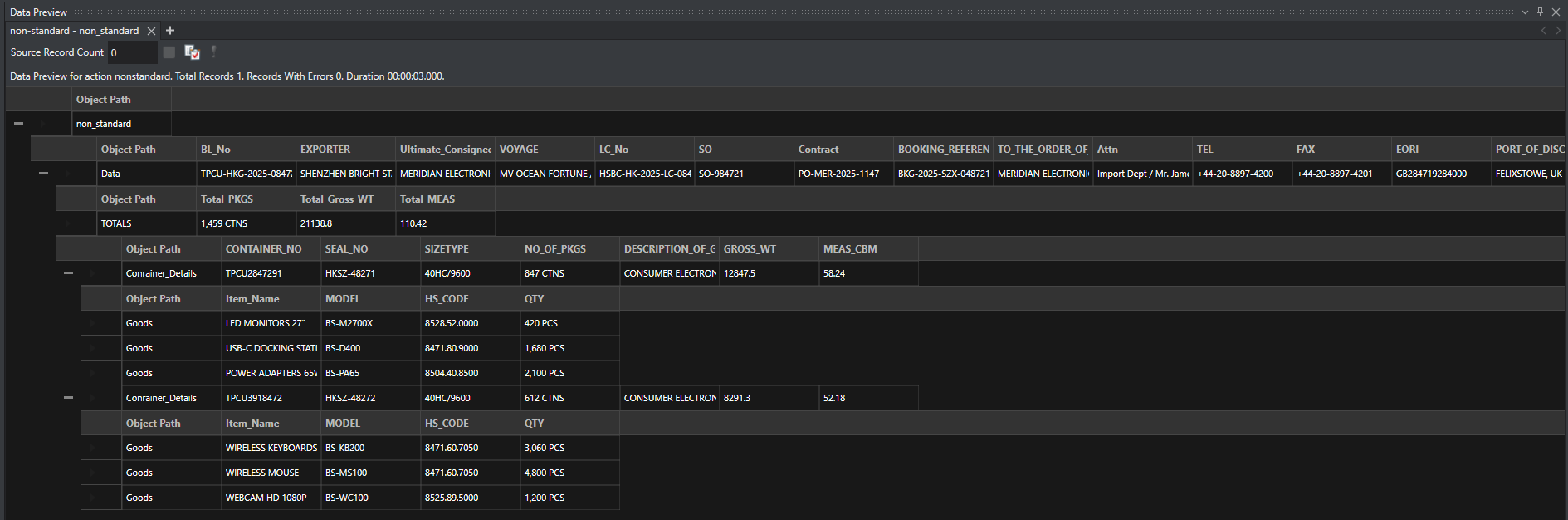
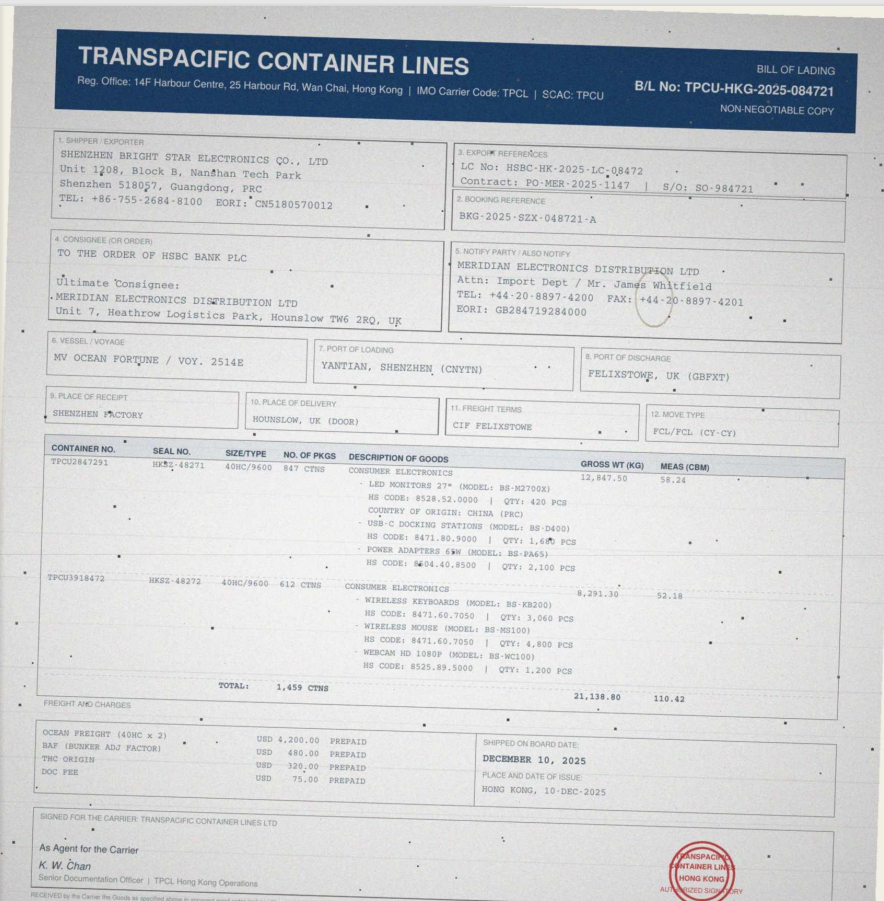
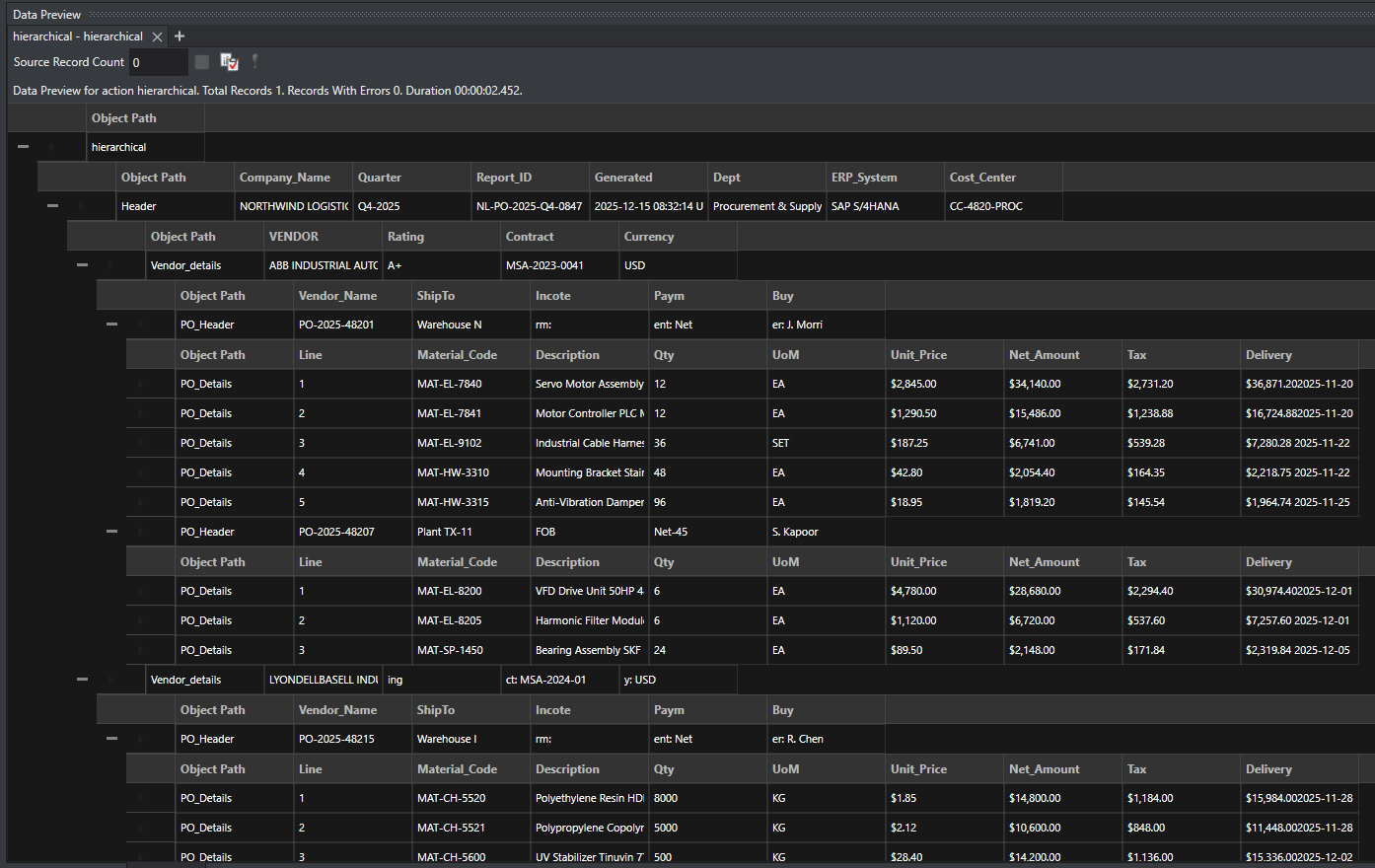
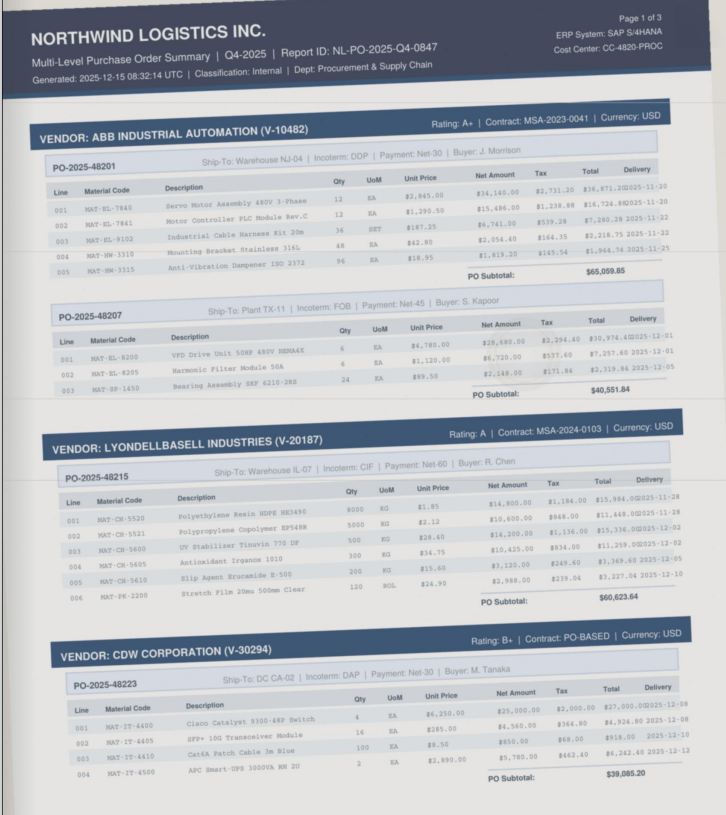
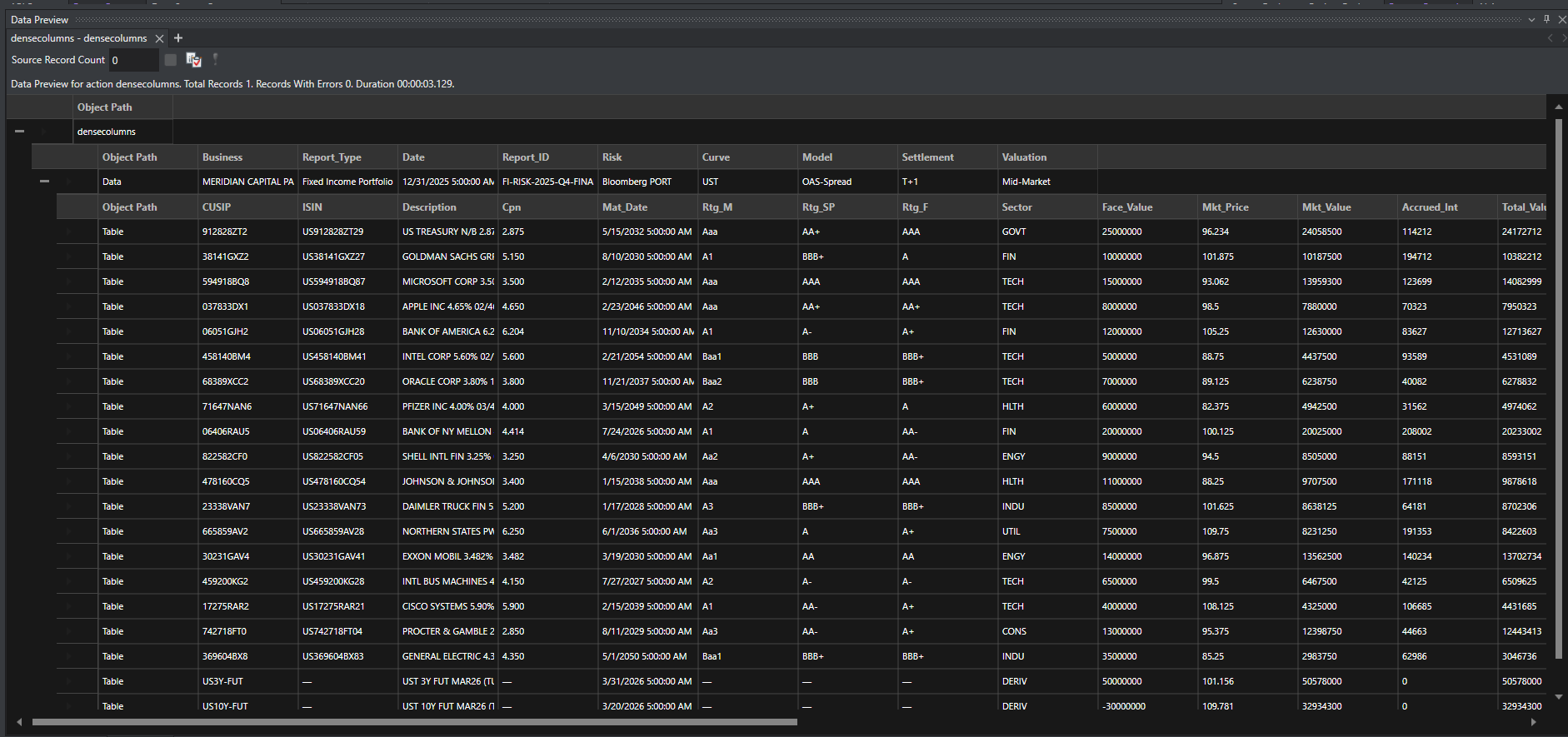
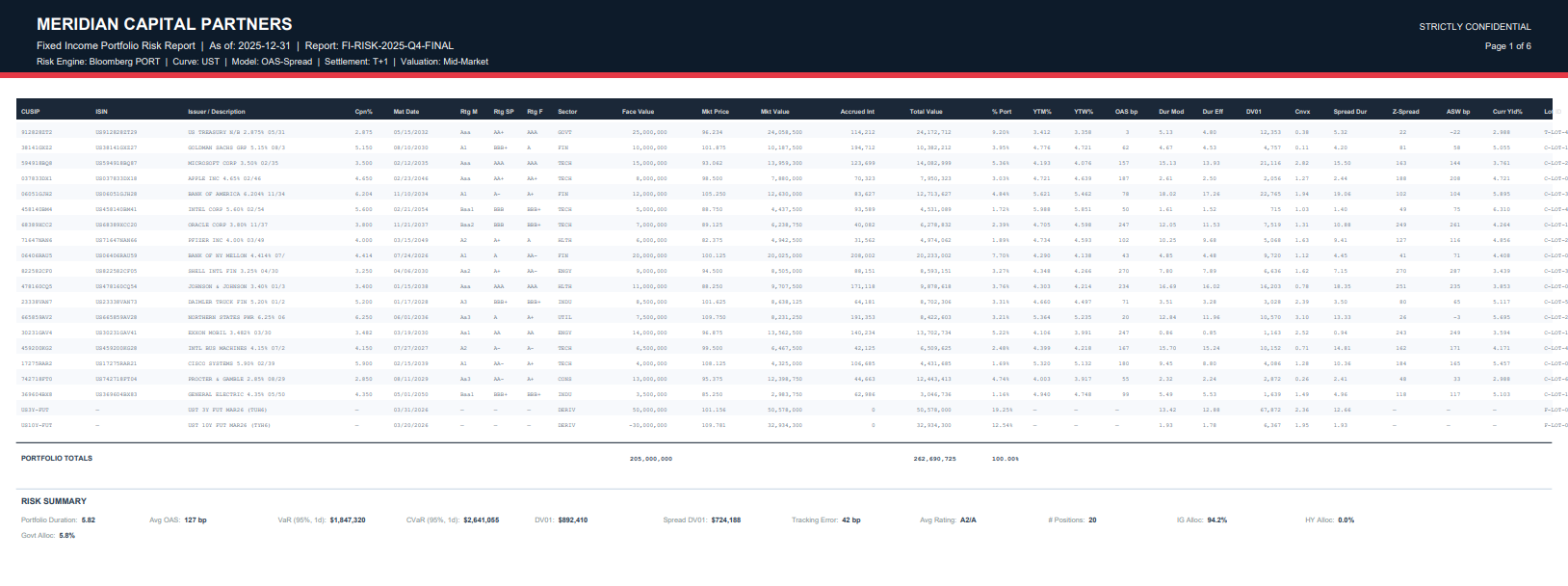
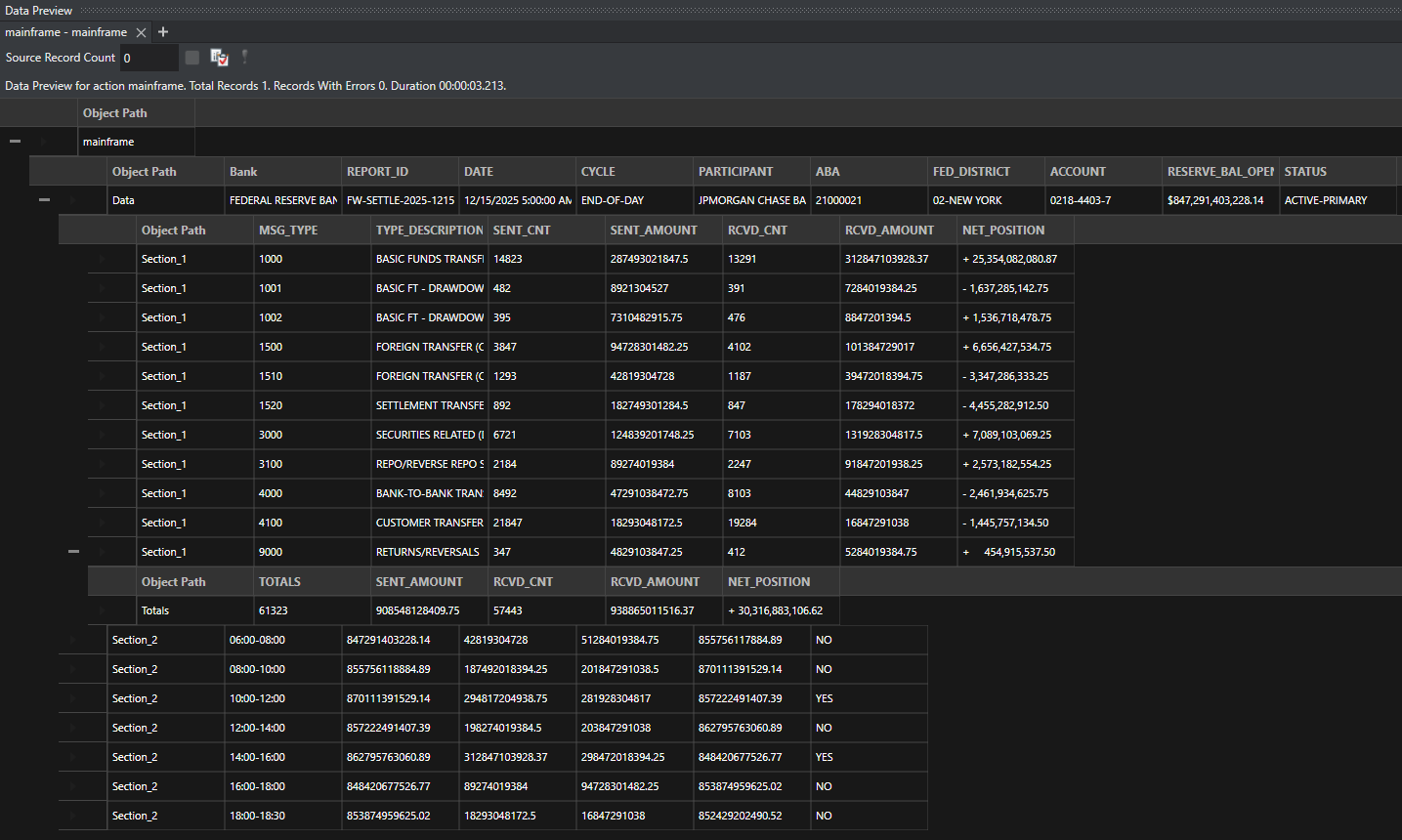
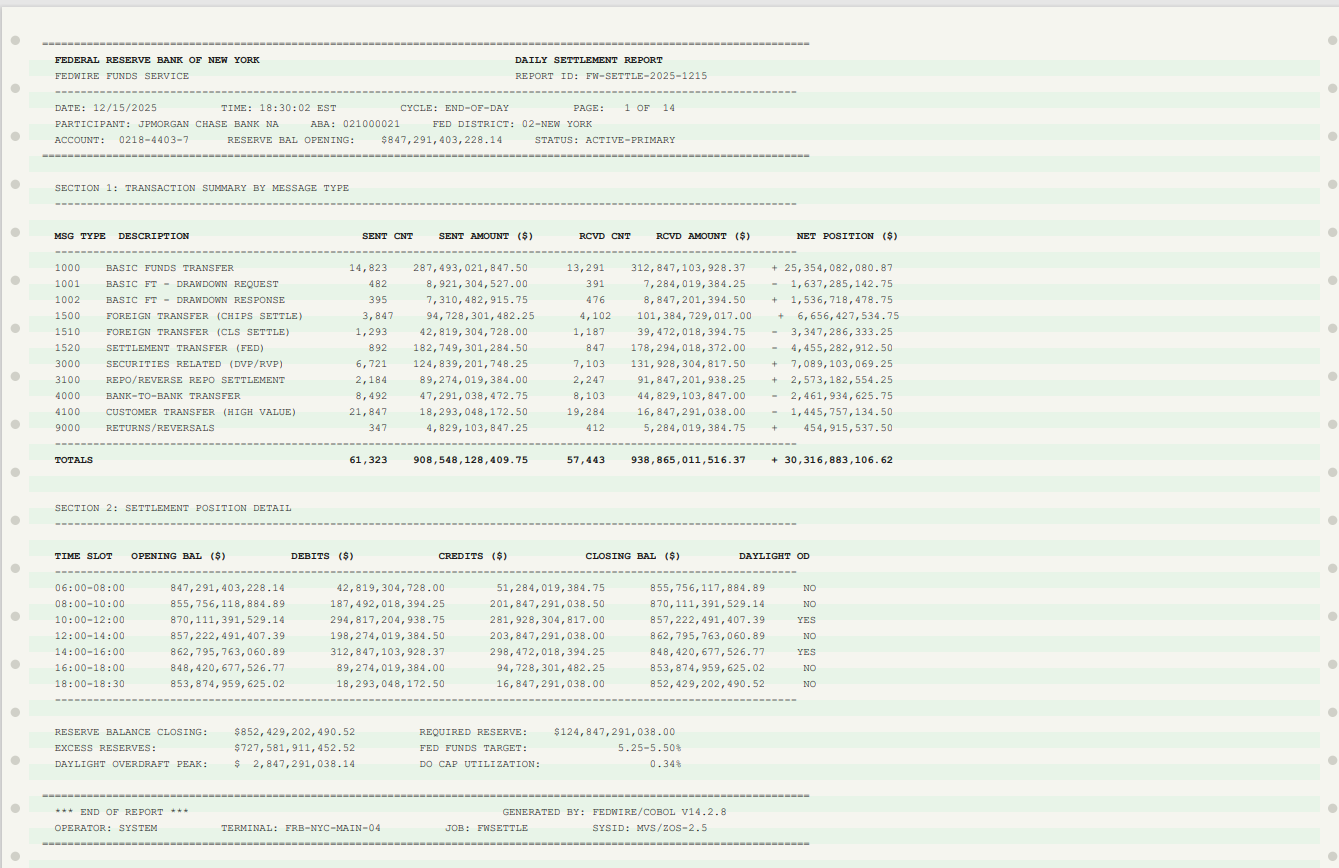
Where Template Precision and AI Flexibility are the Best Combo
ReportMiner combines 15 years of template-based pattern matching with AI-powered extraction in a single platform. Use templates where precision matters, AI where flexibility matters, or both together. That is what the best intelligent document processing software looks like in practice.
Intelligent Document Automation That Connects to Everything.
Sources
Destinations
Deployment
On-premises, private cloud, or hybrid. ReportMiner runs where your data lives. No sensitive documents leave your environment unless you want them to.
Real Results from Real Teams.

“We have been using Astera, Azure Form Recognizer, and PDF Focus. But once we started implementing Astera, we found the product to be most flexible in terms of its capability compared to others, and we are pretty much not using other products at this point.”
Hayder Mir, Sr. Manager, Custom Applications
at Ciena Corporation
Read the full case study hereDocument Automation Software Plans That Scale With Complexity
From departmental data extraction to enterprise-wide business document automation. Choose the tier that matches your operational needs.
Express
For teams getting started with document data extraction.
Standard
For data teams running recurring automated document processing pipelines.
Premium
For enterprises with complex, high-volume document workflow automation needs.
Enterprise
For organizations requiring custom intelligent document automation solutions and dedicated resources.
Each tier includes a dedicated onboarding session and technical setup assistance.
Related capabilities
Other parts of the Centerprise platform you may want to explore.
A Single Platform to Extract, Process, and Deliver Data From Every Document You Have
Configure the document processing system once, connect it to your ERP, CRM, or database, and ReportMiner runs in the background from that point forward.