Accurate on Real-World Scans
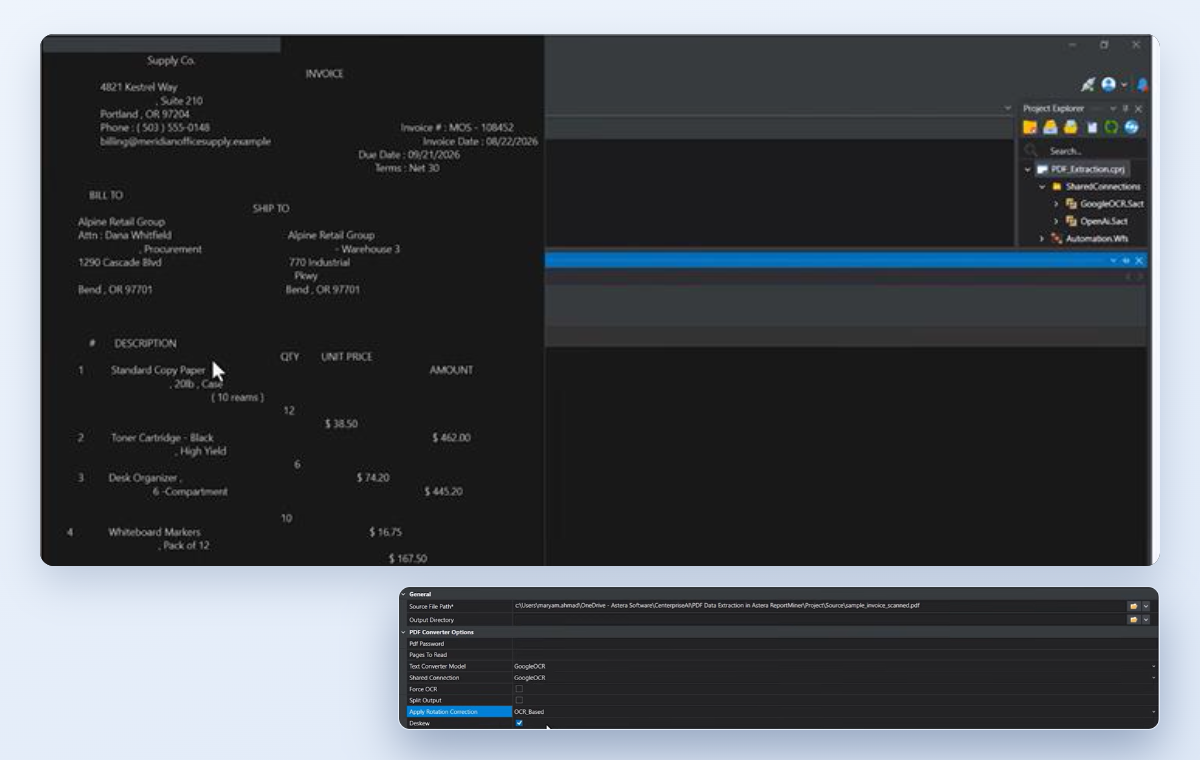
Read skewed, faded, and low-contrast scans with no manual cleanup. Get up to 99.5% OCR accuracy in 40+ languages.
Astera ReportMiner reads scanned PDFs, faxes, and photos with up to 99.5% OCR accuracy. Your team only reviews the exceptions.

*Built for enterprise teams processing 1,000+ scanned documents a month.
Bring sample documents to your demo and see how ReportMiner handles scans like yours.
Trusted by 300+ Customers, Including



ReportMiner reads crooked, faded, and stamped scans and turns them into clean data for your systems.
Read skewed, faded, and low-contrast scans with no manual cleanup. Get up to 99.5% OCR accuracy in 40+ languages.
Build OCR workflows with point-and-click tools. AI builds a reusable template in about 5 seconds. Your team checks the result.
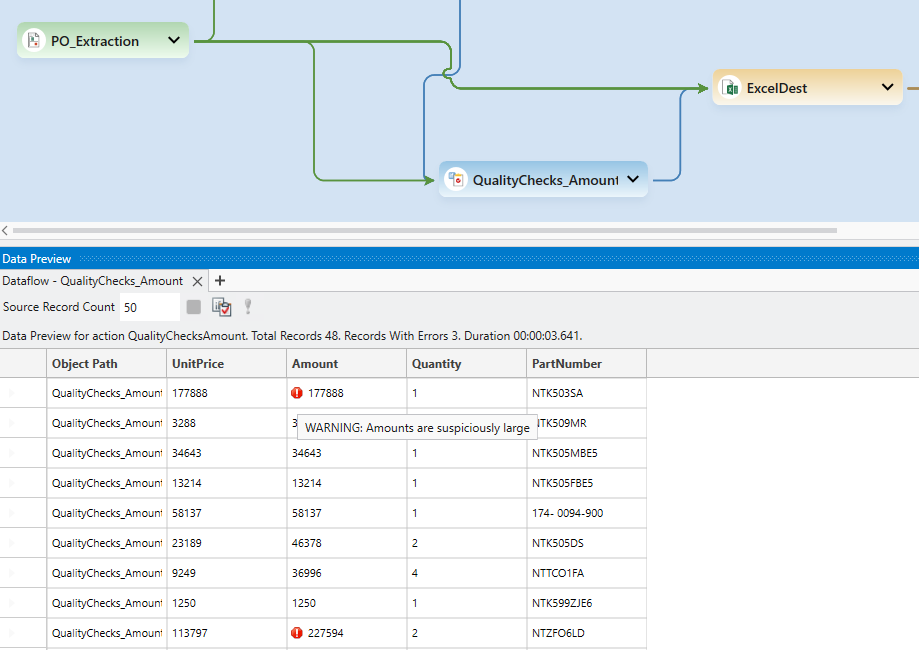
Your rules check the data as it is extracted. Only exceptions reach your team, with the problem field highlighted.
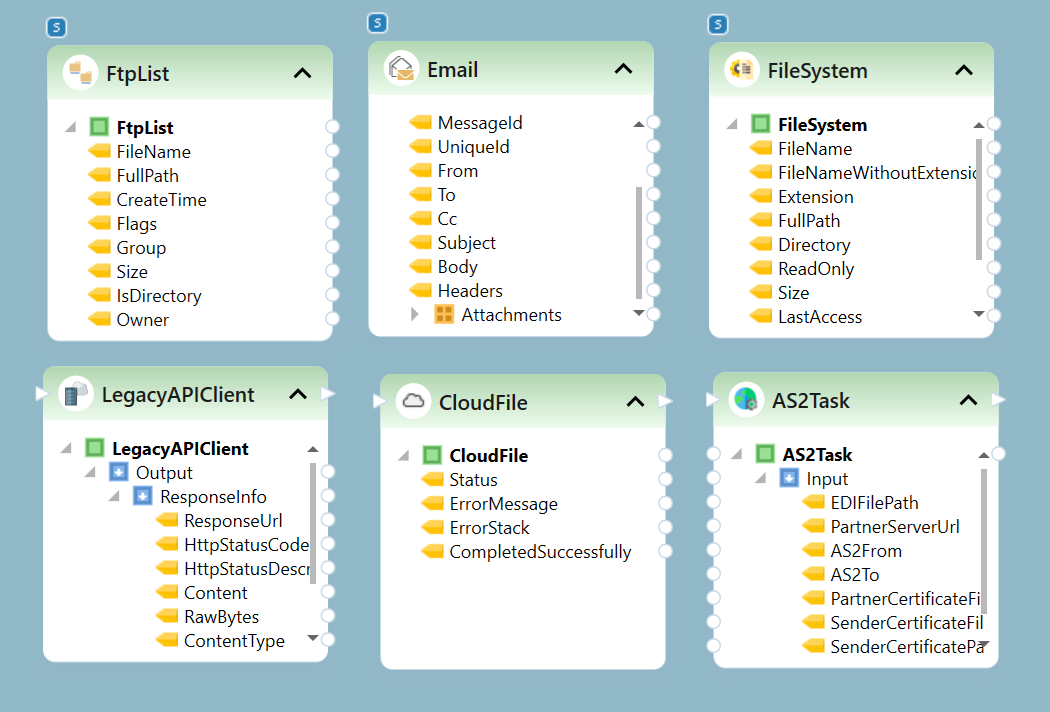
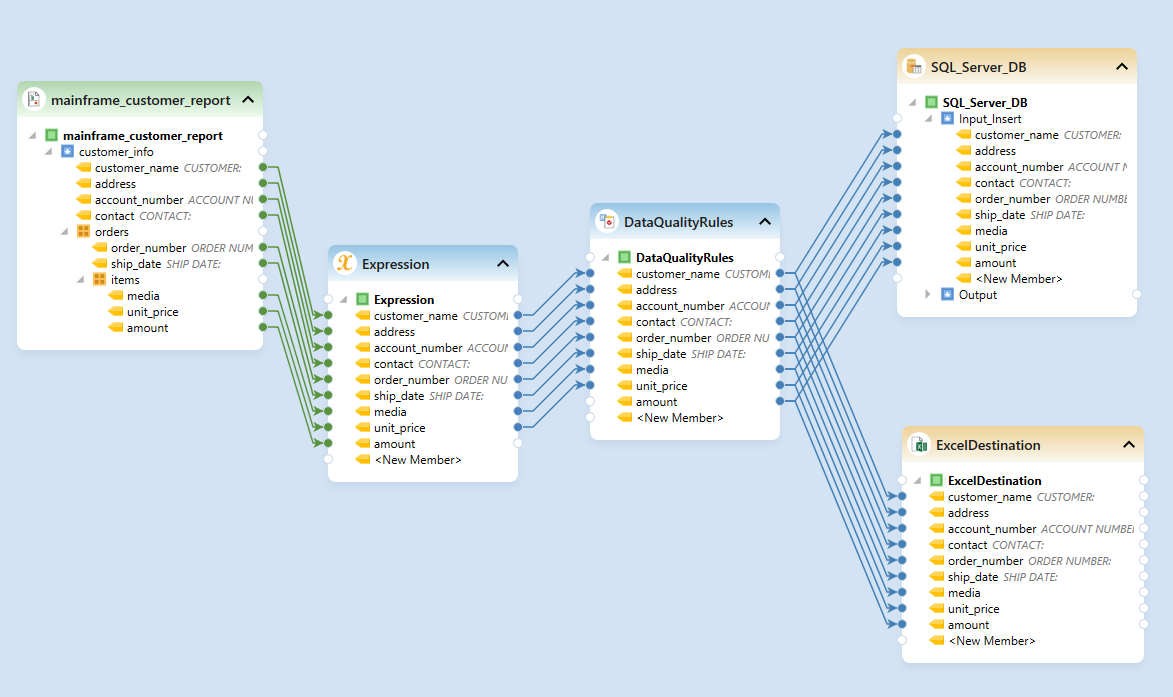
Extract, clean, validate, and transform data, then deliver it to 300+ destinations, all in one platform.
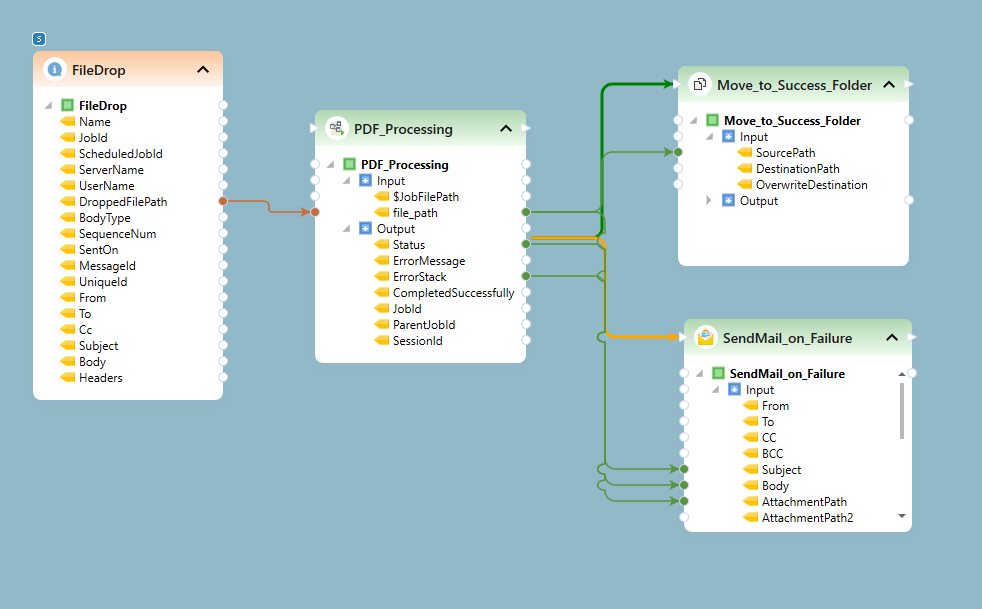
Process large batches in parallel, around the clock. Runs start on a schedule or when new files arrive.
Deploy on-premises or in your private cloud. Native OCR runs inside your infrastructure, and cloud OCR is opt-in.
Bring your toughest scans to a 30-minute demo and see the data ReportMiner gets from them.
Set it up once. Every step after that runs automatically, and your team steps in only when a document needs review.
“ReportMiner can do an amazing variety of things with a scanned pdf. It does what I need and their support is excellent.”
Recognized for Best Support, Customer Success, and Market Leadership, year after year.

ReportMiner's intelligent OCR software automatically handles real-world variations without manual preprocessing.
Click any image to see it full size.
ReportMiner picks up documents from your folders, inboxes, and cloud storage, then delivers clean data to your databases, ERPs, and CRMs, with no manual handoffs.
Standard OCR software runs every document through one engine with fixed preprocessing. ReportMiner checks each document's quality and sends it to the best of five OCR engines. Two native engines handle clean and degraded scans, Google Cloud OCR handles photos and mixed languages, Amazon Textract handles tables and forms, and an LLM-based engine handles handwriting and dense tables. ReportMiner then corrects misreads using field patterns and the document's own totals, and checks the data against your rules before it reaches your systems.
Yes. ReportMiner deploys on-premises or in your private cloud. Its two native OCR engines, lightweight and heavy-duty, run entirely inside your infrastructure with no cloud dependency. Google Cloud OCR, Amazon Textract, and hosted LLM features are opt-in. They run only if your team turns them on, using the provider and key you choose. You can also force on-premises-only processing at the tenant, workflow, or document type level.
Yes. ReportMiner's LLM-based engine reads the full page, not isolated characters. It reads handwritten values together with the printed text, field labels, and layout around them, which helps on forms that mix handwritten and printed fields. Handwriting recognition (ICR) is part of the same OCR workflow, so handwritten fields are validated and delivered like any other data.
Every document runs through your validation rules as it is extracted, and each job reports its error, null, and warning counts. Documents that pass every check go straight to your destination systems. Documents that fail go to a reviewer with the problem fields highlighted, so reviewers fix only those fields instead of re-reading the whole document. Validation failures can also trigger an email alert.
ReportMiner reads native and scanned PDFs, including image-based, password-protected, and multi-page files, plus TIFF, PNG, and JPEG images and output from legacy scanning hardware. Multi-page TIFFs are split automatically, and files with several stacked documents are separated before processing. The same platform also handles text reports, Excel files, and other formats, so scanned and digital documents run through one workflow. Before OCR, each page is corrected for skew, rotation, noise, and low contrast.
Yes. ReportMiner processes documents in parallel on a single server or across several. Jobs run on a schedule or start when a file lands, an email arrives, or an API call comes in. One dashboard shows every run, and alert emails flag errors and validation failures, so volume can grow without adding manual work. We'll size the setup to your volume during the demo.
Setup is configuration, not development. Your team builds workflows in a point-and-click designer, and AI builds a reusable extraction template in about 5 seconds, versus about 10 minutes by hand. Our solutions team guides onboarding, backed by award-winning support, and we'll map out a plan for your documents and volume during the demo.
For recurring layouts, AI builds a new extraction template in about 5 seconds. For new or changing layouts, LLM-based extraction reads the document from a plain-language prompt, with no template needed. Field names that differ between sources are mapped to one target schema, so your systems always receive the same structure.